Rogers PCB Manufacturing Process: Key Technical Points
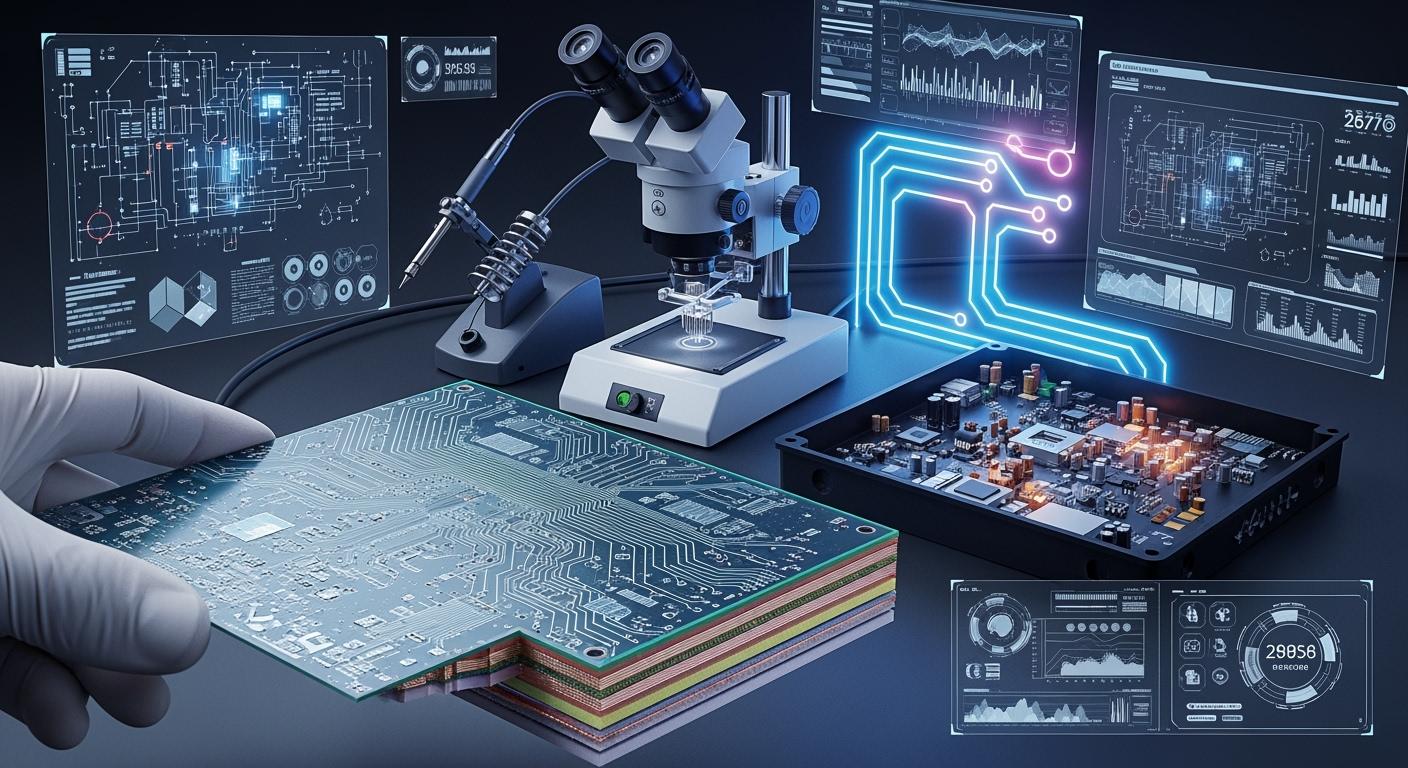
When considering the PCB manufacturing process, using Rogers PCBs is ideal for achieving excellent high-frequency performance and strong signal integrity. Selecting the right material is crucial at the beginning of your PCB manufacturing process. Engaging in impedance control and consulting with experts can help you avoid common issues. You may encounter specific challenges, such as:
Drilling soft PTFE-based materials requires specialized techniques to prevent resin smear during the PCB manufacturing process.
Implementing surface activation treatments enhances copper adhesion and prevents layer delamination.
Managing the thermal growth of Rogers and FR-4 layers is essential to prevent warping during the PCB manufacturing process.
Maintaining impedance close to the target value ensures optimal signal performance.
Handling materials with care is vital to prevent damage and maintain cleanliness throughout the PCB manufacturing process.
Key Takeaways
Pick Rogers materials for high-frequency PCBs. This helps signals stay strong and not lose power.
Control impedance when you design the board. This stops signals from getting lost or bouncing back. Use 50 ohms for one line. Use 100 ohms for two lines together.
Store and handle Rogers materials the right way. This keeps water from hurting them. Keep them dry and bake them before you put the board together.
Use special ways to drill and plate the boards. This stops problems like smear and delamination. It helps make sure the connections work well.
Check and test the boards carefully. This helps you find problems early. It keeps your PCBs working well and at high quality.
Rogers PCB Materials And Properties
Material Selection For High-Frequency Designs
When you design high-frequency PCBs, picking the right material is important. Rogers PCB materials are special because they keep electrical signals steady. They also help signals move with less loss. You can look at the table below to see how Rogers materials compare to other PCB substrates:
Property | Rogers PCB Materials | Other PCB Substrates |
|---|---|---|
Dielectric Constant (Dk) | Lower values for stability | Higher values may lead to instability |
Dissipation Factor (Df) | Lower values for efficiency | Higher values can cause signal loss |
Mechanical Properties | More stable | Varies widely among substrates |
Applications | High-frequency environments | General applications, less specialized |
Rogers materials have a dielectric constant from less than 3 up to 10. Standard FR4 materials usually have a dielectric constant near 4.5. The loss tangent for Rogers materials is under 0.01, so signals lose less energy. FR4 is not good for high-frequency designs because it does not give low-loss performance. If you pick Rogers materials, your signals stay strong and there is less crosstalk. You can use selector tools to compare different materials and find what fits your design.
Low CTE And Dimensional Stability
Rogers materials have a low coefficient of thermal expansion, or CTE. For example, RO4350B has a CTE of about 33 ppm/°C. FR4 has a higher CTE, between 55 and 70 ppm/°C. A low CTE helps your PCB keep its shape when it gets hot or cold. This means you will not get cracked vias or lifted pads as easily. Rogers materials stay the same size even when the temperature changes. This is important for high-frequency circuits. It keeps your board working well and stops signal problems.
Handling And Storage Of Rogers PCB Materials
You need to be careful when you handle and store Rogers PCB materials. Keep them dry in cabinets with nitrogen to stop moisture from getting in. Bake the boards at 125°C for 24 hours before you put them together. This takes out any water that got inside. Using conformal coatings helps protect against humidity but does not hurt RF properties. Follow IPC-1601 A rules to keep moisture out. If you do not store Rogers materials right, you can get delamination and more defects. Good handling helps your materials work well and keeps manufacturing yield high.
PCB Manufacturing Process Steps
Design Consultation And Impedance Control
The pcb manufacturing process starts with a design meeting. This helps you plan for high-frequency uses. You need to think about signal integrity right away. When making rogers pcb, you must control impedance. This means keeping the resistance of signal layers steady. It helps stop signal loss and reflections.
Here are some easy rules for high-frequency circuit design:
Control impedance for all fast traces. Use 50 ohms for single lines and 100 ohms for pairs.
Try not to use too many vias. Too many can cause signal issues.
Put a solid ground plane under fast traces. This gives a good return path and lowers noise.
Make sure differential pairs are the same length. This keeps signals together.
Build your board with signal and ground layers in turns. This helps stop crosstalk.
Use the right termination to stop signal reflections.
Keep stub lengths short to avoid signal bounce.
Pick high-performance materials like Rogers for better results.
You should always check your design with experts before making the board. This helps you avoid mistakes that cost a lot to fix.
Lamination Process For Rogers PCB
The lamination step for rogers pcb is not the same as normal boards. You need special steps because Rogers materials are different. The table below shows how the steps are different for Rogers and standard PCBs:
Step | Rogers PCB Process | Standard PCB Process |
|---|---|---|
Drilling | Needs strong drill bits. Ceramic fillers wear tools faster. | Regular drill bits work fine. |
Plating | Needs special activation for PTFE-based materials. Makes copper stick better. | Uses normal copper plating. |
Lamination | Must match thermal expansion and change temperature settings. | Normal settings are usually enough. |
Solder Mask Application | May need extra steps for high-performance materials. | Normal process works. |
Surface Finishing | Cleaning steps may change with material. | Normal finishes used. |
You need to clean the surface well before lamination. Clean, micro-etch, rinse, and dry the layers. For thick cores, scrub them with a machine. Bake the cores before stacking. This takes out water and helps stop problems. When drilling holes, use CO2 or UV lasers for best results. Clean the holes after drilling to get rid of dust. After etching, make sure the copper sticks well to the solder mask.
Temperature And Pressure Management
You must control temperature and pressure in the pcb process. Rogers pcb uses special materials that need careful settings. If you do not control these, you can get problems like layers coming apart or bending. You must use the right settings for each job.
Here is a table with the best settings for lamination:
Parameter | Rogers PCB Settings |
|---|---|
Peak temp | 190-210°C |
Ramp rate | 2-3°C/min |
Dwell time | 60-90 min |
Target pressure | 250-350 psi (standard multilayer) |
300-400 psi (high-layer-count) | |
100-200 psi (PTFE materials) | |
350-400 psi (heavy copper) | |
Vacuum level | <5 mbar (0.5 kPa) |
You also need to watch for risks in different places. High humidity can cause water problems. Use coatings and sealed boxes to protect your materials. If your process has temperature changes, use materials that expand the same way. At high places, lower the water in the board before lamination. In factories, keep boards safe from chemicals and shaking.
If you follow these steps, your high-frequency circuit will work well. You will also make your boards more reliable and get the best results.
Drilling, Plating, And Etching Challenges
Drill Wear And Smear Issues
Drilling Rogers PCBs is harder than drilling FR-4. The material has hard ceramic fillers inside. These fillers make drill bits wear out faster. You must use strong drill bits and change how you drill. If you do not, the holes will look rough. You might see marks from the tools. These problems can cause signal loss in high-frequency designs.
You also need to watch the heat when drilling. Rogers materials are soft and can smear if too hot. Smear means resin builds up in the holes. This buildup blocks copper plating. It can make bad electrical connections. Bad connections cause more signal loss and make the board less reliable.
Tip: Always check your drill stacks for heat. Use peck drilling cycles to clear chips and keep drills cool.
Here are some ways to lower smear and make better holes:
Technique | Description |
|---|---|
Peck drilling cycles | Pull the drill out often to remove chips and cool it down. |
Plasma or chemical desmear | Clean the holes after drilling, especially for multilayer boards. |
Laser drilling | Use UV or CO2 lasers for microvias. This helps reduce smear in tight spaces. |
Chip evacuation | Make sure chips leave the hole fast to keep the walls smooth. |
If you use these methods, you can lower signal loss. You will also keep your plated through-holes clean.
Via Formation And Surface Finish
You need to be careful with via formation in Rogers PCB manufacturing. The ceramic fillers and PTFE base make the surface hard for copper to stick. If copper does not stick well, you can get delamination when the board heats up. Delamination causes signal loss and makes the board weak.
To fix this, you must activate the surface before plating. Plasma etching or sodium-naphthalenate treatments work well. These treatments roughen the surface so copper can stick better. After drilling, you should also clean off any smear or leftover stuff. If you leave residue, you might get plating skips or thin copper barrels. These problems cause signal attenuation and more signal loss.
Note: Always check your vias after plating. Look for empty spots, thin walls, or bad sticking. These issues can cause signal attenuation and make your high-frequency circuits less reliable.
A good surface finish is important too. You want a smooth, even copper layer. This helps lower signal loss and keeps impedance steady. If you use the right cleaning steps, you will get strong, reliable vias.
Etching Undercuts And Patterning For Signal Integrity
Etching is an important step in Rogers PCB manufacturing. You must remove copper to make the right patterns for your circuit. Rogers materials have different etch rates for copper and resin. If you do not control etching, you can get underetch or overetch. Underetch means copper is eaten away under the mask, making traces too thin. Overetch can make traces wider or cause shorts. Both problems cause signal loss and signal attenuation.
You need to pick the right copper thickness for your design. Heavy copper (2oz or more) needs bigger spacing and can cause more undercut. This changes the trace shape and affects impedance. Standard copper (1oz) gives good yield and straight sidewalls. Thin copper (1/3oz) lets you make very fine lines with less undercut. This helps you control impedance and lower signal attenuation.
Technical Choice | Direct Impact on Etching & Design |
|---|---|
Needs 8-10 mil spacing. More undercut. Trace shape changes, which affects impedance and signal loss. | |
Standard Copper (1oz) | 4-5 mil trace/space is easy. Good yield. Vertical sidewalls help reduce signal loss. |
Thin Copper (1/3oz) | 3mil/3mil features possible. Fast etch, less undercut, better for signal attenuation control. |
You should use microetching before imaging. This step helps make your patterns sharper. Spray etching systems help control undercuts and keep trace shapes right. If you manage etching well, you will protect your board from signal loss and keep your high-frequency signals strong.
Quality Control In Rogers PCB Manufacturing
Inspection And Testing Methods
You need good inspection and testing to make Rogers PCBs work well. Each step helps you find problems early. This keeps your boards reliable. The table below shows common inspection methods and their uses:
Inspection Method | Application |
|---|---|
Visual Inspection | Finds defects in bare PCBs. |
Flying Probe Testing | Spots issues in bare PCBs. |
Automated Optical Inspection | Finds defects in bare and assembled PCBs. |
Component Inspection | Checks parts on assembled PCBs. |
Solder Paste Inspection | Makes sure solder paste is put on right. |
X-Ray Imaging | Checks layer alignment in multilayer boards. |
In-Circuit Testing | Checks soldering and function of assembled PCBs. |
You should use high-magnification optics and X-ray inspection. These tools help you see tiny defects on copper traces. Electrical testing checks for shorts and open circuits. Impedance verification on test coupons makes sure your board meets RF needs. This keeps signal integrity high.
Ensuring Signal Integrity And Reliability
You must focus on signal integrity when building Rogers PCBs. Losses and impedances are important to check. Rogers materials give stable dielectric constants. This helps your board work well in high-frequency jobs. You can trust these materials for millimeter-wave designs.
High moisture absorption can change the dielectric constant. This can cause unpredictable impedance and signal phase errors. You should keep your boards dry to protect signal integrity. Changes in temperature also affect dielectric properties and conductor performance. You need to measure and model these effects to keep your boards reliable.
Addressing Lamination Voids And Consistency
Lamination voids can hurt signal integrity and thermal stability. You must avoid air pockets between layers. These voids can cause weak spots and signal loss. You should control pressure and temperature during lamination. This helps you get even layers and strong bonds.
You need to check for voids with X-ray imaging. If you find any, you must fix your process. Good lamination keeps your board flat and improves thermal stability. This makes your Rogers PCB last longer and work better in tough conditions.
Common Technical Issues And Solutions
Troubleshooting Lamination And Etching Problems
You might run into some problems when making Rogers PCB. Delamination, sticking problems, and drilling trouble can happen a lot. When water turns to vapor from heat, layers can pull apart. If things do not stick well, the circuit can stop working. The hard fillers in Rogers materials make drilling tough.
Defect Type | Primary Cause | Typical Impact on Rogers PCBs |
|---|---|---|
Delamination | Moisture vaporization during heat | Layer separation, signal loss >0.5 dB/mm |
Adhesion Problems | Inadequate surface treatment | Peel strength <5 lb/in, via failures |
Drilling Issues | Abrasive fillers causing smear | Hole wall roughness >10 μm, impedance mismatch |
You can fix these problems by doing a few things. First, keep panels in sealed bags with less than 40% humidity and at 23°C. Next, bake the panels at 105°C for one to two hours before you press them together. Use a vacuum press at 200-300 psi and 180-195°C.
Tip: Use black oxide or make the surface rougher to help things stick. If you find problems early when testing, you save money and make your boards work better.
For etching problems, change the gas flow or move the board inside the plasma machine. Watch the time and RF power so you do not over-etch. If you see under-etching, turn up the plasma or make the cleaning step longer. Use oxygen plasma to clean off any leftover stuff.
Best Practices For Rogers PCB Manufacturing
You can get better results if you follow some good rules:
Pick makers who know Rogers materials and follow IPC rules.
Put power and ground planes close to signal layers for better signal integrity.
Keep impedance steady by using special tools for traces.
Make traces short to stop signals from getting weak.
Do not use sharp corners; use 45-degree angles or smooth curves.
Make a strong ground plan with a ground plane.
Note: Use low-profile electrodeposited copper to lower stress and help things stick better.
Process Optimization For High-Frequency Performance
Making your process better helps your board work well at high frequencies. Use carbide drill bits at 80,000 to 120,000 rpm and feed them at 5-10 meters per minute. Drill in steps every 0.1 mm. Clean off smear with plasma or chemicals. For tiny vias, use CO2 lasers so heat does not hurt the board.
Keep layers close together for good signal integrity.
Use the right settings for drilling and pressing.
Clean everything well before you add plating.
If you follow these steps and rules, your Rogers PCBs will be strong and work well. Your signals will stay clear and your boards will perform better.
You now know that making Rogers PCB needs you to pick the right materials, control impedance, and manage each step carefully. Doing these things keeps signals strong and makes your boards last longer. Always look over your designs, store materials safely, and use smart ways to work. If you have problems, talk to someone who knows more. By doing all this, you can make high-frequency PCBs that work well every time.
FAQ
What makes Rogers PCB manufacturing different from FR4 PCB manufacturing?
Rogers PCB manufacturing is used for high-frequency designs. Rogers materials have low-loss and steady dielectric properties. FR4 boards cannot match these benefits. Rogers PCB manufacturing needs special lamination, drilling, and surface treatments. These steps help the board work well for important signal layers.
Why does Rogers PCB manufacturing cost more than FR4 PCB manufacturing?
Rogers PCB manufacturing costs more because the materials are expensive. The process uses advanced steps to make sure the boards are reliable and lose less signal. FR4 costs less but does not give the same results. With Rogers PCB manufacturing, you get better signal integrity and performance.
How do you achieve low-loss in Rogers PCB manufacturing?
You pick Rogers materials that have low-loss properties. You control impedance and use careful lamination. You keep moisture away and make sure the boards stay clean. Rogers PCB manufacturing focuses on keeping signals strong. FR4 does not keep signal loss low for high-frequency signals.
What are the main performance requirements for Rogers PCB manufacturing?
You need a steady dielectric constant, low-loss, and exact impedance control. Rogers PCB manufacturing meets these needs for important signal layers. You get boards you can trust for high-frequency jobs. FR4 boards do not give the same performance or reliability.
Can you use Rogers PCB manufacturing for cost-sensitive projects?
You can use Rogers PCB manufacturing if your project needs high performance. The cost is higher than FR4. You should think about if the better performance is worth the extra cost. For simple boards, FR4 might be enough. For tough jobs, Rogers PCB manufacturing gives the best results.
See Also
Understanding The PCB Production Process Step By Step
A Comprehensive Guide To PCB Fabrication Techniques
Exploring Rigid PCB Production: Key Materials And Standards
