PCB Panelization Design Mistakes & Corrections
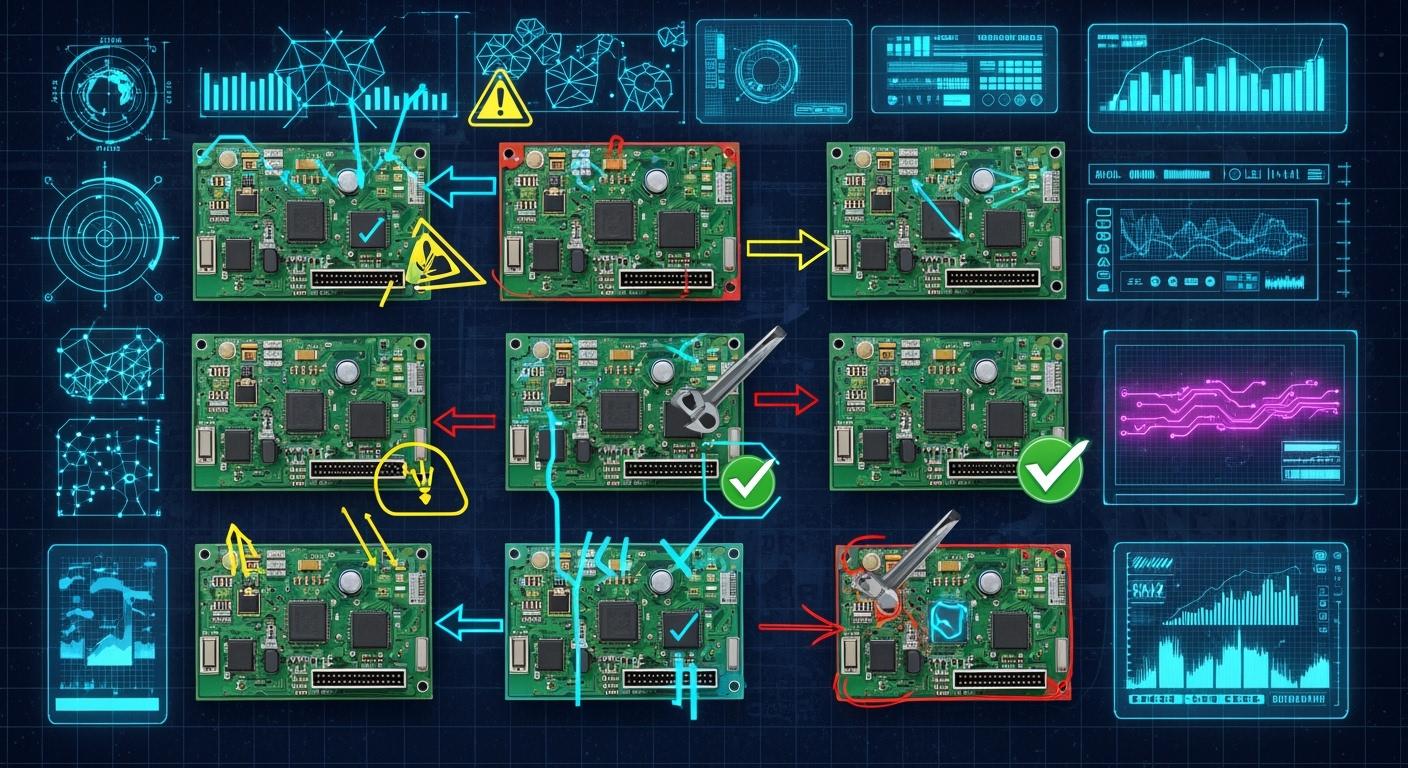
What are the most common pcb panelization design mistakes and how can they be fixed? Think about rushing a pcb to production, but bad panelization slows things down and costs more money. You do not finish on time. Good pcb panelization helps assembly go quickly and saves money. You need a careful design check to make sure your pcb design works well.
Key Takeaways
Always make sure your PCB design files are complete. If files are missing, you can have expensive mistakes and delays.
Use clear notes and labels for your designs. Good notes help stop confusion and mistakes when putting boards together.
Plan how you will separate your boards carefully. Good spacing and tab design keep your boards safe from damage when you take them apart.
Common PCB Panelization Mistakes
When you make a pcb, you want to stop common mistakes. These mistakes can slow down making the boards or cause problems in pcb assembly. Many issues happen when information is missing or not clear. If you do not follow dfm and manufacturing rules, you may have delays, spend more money, or get boards that do not work. Let’s see what mistakes happen most and how you can fix them.
Tip: Always check your design and rules before you send files to the manufacturer.
Incomplete Design Data
You must give your manufacturer all the right files and details. If you forget something, your pcb might not work as you want. Missing files can be Gerber layers, drill files, or the bill of materials. Sometimes, people forget the panel outline or fiducial marks. These mistakes can make the panel bend, parts not line up, or boards that cannot be put together.
Mistake | Description |
|---|---|
Panel Warp | The panel bends or twists from uneven design or heat. |
Depaneling Difficulties | Boards crack or parts break from bad scoring or routing. |
Component Misalignment | Parts are placed wrong because marks are missing or the panel bends. |
You should always check your files with pcb design software. Make sure you add every layer and detail. Use a checklist so you do not forget anything. This step helps you stop expensive mistakes and keeps your project going.
Poor Documentation
Clear notes help everyone know your design. If your notes are missing or not clear, the manufacturer might guess what you want. This can make parts go in the wrong place, use the wrong materials, or make the board the wrong size. Good notes should have assembly drawings, stack-up details, and clear steps for special things.
Note: Good notes are part of design for assembly. They help you stop confusion and lower pcb assembly mistakes.
You should label every part and layer. Use easy words and clear pictures. If you do this, you help others build your pcb the right way.
Lack of Depaneling Strategy
Depaneling means taking each pcb out of the big panel. If you do not plan this, you might break your boards. Problems like cracked edges or broken parts happen when you do not leave enough space or use the wrong tab design. Depaneling problems can also come from putting parts too close to the edge.
You should always plan how to take out the boards. Use the right depaneling way, like scoring or routing, and leave enough space between boards. Follow the manufacturer’s rules for tab size and where to put them. This step helps you stop damage and keeps your boards strong.
Remember: A good depaneling plan is part of a strong design. It keeps your boards safe and makes building easier.
When you stop these common pcb panelization mistakes, you save time and money. Always check your design and follow design for assembly rules. Work with your manufacturer and use pcb design software to check your work. This way, you can find mistakes early and make better boards.
Component Placement Design Mistakes
You must watch where you put parts on your pcb. If you make mistakes, you can have big problems when making and putting together the boards. Let’s see the most common errors and how to stop them.
Components Near Edges
Parts too close to the edge can cause trouble. If you put parts near V-groove lines or breakaway tabs, they can get damaged when you take the boards apart. Always keep a safe space between parts and the edge. Most rules say to leave at least 0.5mm to 1mm from the score line. This helps keep parts safe when you separate the boards.
If you do not follow these rules, you might get:
Cracked parts after depaneling
Pads that lift and make weak solder joints
Solder joints that break easily
These problems can make customers unhappy and cause safety risks for high-speed products. Always check your design with pcb design software and follow what the manufacturer says. A careful review helps you find mistakes before they cost you money.
Tip: Do not put parts right over V-groove lines. Leave enough space to keep your parts safe during depaneling.
Incorrect Orientation
Wrong part direction is a common pcb assembly mistake. If you do not line up parts right, they can fail or break. You must check the direction of diodes, capacitors, ICs, connectors, and LEDs. The table below shows common direction mistakes and what can happen:
Issue | Risk |
|---|---|
Diode polarity | Can destroy the part if the direction is wrong. |
Electrolytic capacitor polarity | Wrong direction can cause failure and damage. |
IC pin 1 location | Not lined up can make the board not work. |
Connector orientation | Wrong direction can cause assembly problems. |
LED polarity | Wrong direction can damage the part. |
Always check the direction of every part when you review your design. Use clear marks and follow the rules in your pcb design software. This helps you stop high-speed pcb design mistakes and keeps assembly easy.
Overlapping Parts
Parts that overlap make assembly and testing hard. If you put parts on top of each other, you cannot build the board right. For example:
Overlapping connectors, like an audio jack and a micro-USB, can block each other and make it hard to put both on.
Parts that hang over the edge and cross v-cuts can block the depaneling blade, making it hard to separate the boards.
You may need to use special ways, like putting tabs in certain spots, to keep the panel strong and make assembly easier.
Always check for overlapping parts in your design. Use pcb design software to find these mistakes early. Good part placement helps you avoid errors and keeps making boards fast.
Note: Careful part placement helps you stop wrong placement and other mistakes. Always follow best steps and check your design before sending it to the manufacturer.
If you follow these steps, you can stop common part placement mistakes and lower pcb assembly errors. Good planning and checking your design often helps you avoid costly mistakes and makes your high-speed pcb designs better.
Spacing and Clearance Issues in PCB Panelization
Insufficient Board Spacing
You must leave enough space between boards. If boards are too close, you can get errors with trace width and spacing. These mistakes can cause shorts or bad solder joints. Sometimes, etching does not work right. When you use pcb design software, always check the space between boards. Most rules say to keep 2mm to 5mm between boards. This helps stop high-speed pcb design mistakes and makes manufacturing easier.
Requirement | Specification |
|---|---|
PCB-to-PCB spacing | 2mm – 5mm |
Not enough space can cause:
Shorts between traces
Bad solder joints
Trouble during pcb assembly
Tip: Always check your design for minimum trace width and spacing before sending files to the manufacturer.
Inadequate Edge Clearance
You need to keep enough space at the edge. If parts are too close to the edge, you can have cutting or drilling mistakes. Keep at least 2-3mm edge clearance between boards. This space keeps your pcb safe during manufacturing and depaneling. Use clear marks for panel orientation to stop handling mistakes.
Keep 2-3mm edge clearance between boards.
Use clear panel orientation marks.
Requirement | Specification |
|---|---|
Component-to-edge clearance | ≥3mm |
Poor Breakaway Tab Design
Breakaway tabs help you take boards apart after making them. If you do not follow best steps, you can break your pcb. Put tabs every 2 to 3 inches along the edge. Do not put tabs under parts. Keep at least 1/8 inch space from parts and traces. For small boards, add breakaway rails to make them stronger.
Best Practice | Description |
|---|---|
Tab Placement | Put tabs every 2 to 3 inches, do not place under parts |
Clearance | At least 1/8 inch from parts and traces |
Additional Breakaway Rails | Add 0.2 to 0.3 inch rails for small boards |
Note: Use simulation tools in pcb design software to check stress and problems during depaneling.
Careful design review helps you stop spacing and placement mistakes. Follow these rules to keep your high-speed pcb designs working well.
Thermal and Stress Management in PCB
Ignoring Thermal Relief
You need to think about thermal relief when you design. If you forget thermal relief, you can have trouble during pcb assembly. Heat does not spread evenly, so solder joints can be cold or not stick well. Big copper areas without thermal relief make heat leave too quickly. This can cause thermal stress and hurt parts or crack solder joints as time goes by.
Uneven heat during soldering makes cold solder joints.
Fast heat loss from big copper areas causes thermal stress.
Broken parts and cracked solder joints can happen.
You should use rules for thermal relief in your pcb design software. Good thermal relief helps you stop high-speed pcb design mistakes and keeps your boards working well.
Stress at Panel Corners
Stress at panel corners happens a lot in pcb panelization. If you do not make corners strong, panels can bend or twist during fast manufacturing. This stress can make parts not line up right and cause pcb assembly mistakes. You need to design strong corners and use the right space to lower stress.
Tip: Add extra support at panel corners to stop bending and keep your boards flat.
Warping from Copper Imbalance
Copper imbalance makes pcb panels warp. If copper is not spread evenly, panels grow differently during fast processes. This warping can make traces not line up and cause emi and noise problems. You need to balance copper on all layers in your design. If you follow rules for copper placement, you can stop warping and keep your pcb strong.
Copper imbalance makes panels grow unevenly and warp.
Balanced copper keeps panels flat and stops mistakes.
Good copper placement stops trace misalignment and emi and noise problems.
Bad management of thermal and mechanical stress during pcb panelization makes panels warp and parts not line up. Uneven thermal growth and no support during hot manufacturing make pcb less reliable. Panels can bend or warp during reflow soldering if you do not support them well, causing assembly trouble.
You must check your design for thermal relief, strong corners, and balanced copper. Use pcb design software to look over your panel and follow rules for space and placement. Careful planning helps you stop mistakes and keeps your pcb ready for fast manufacturing.
Testing and Inspection Gaps
Inaccessible Test Points
Test points must be easy to reach. If you hide them or put them under parts, testing gets harder. You cannot check all areas well. This makes finding problems tough. Some defects stay hidden and can cause trouble later. As pcb designs get smaller, placing test points right matters more. Bad placement leads to more mistakes and higher costs. If you cannot find problems fast, you may have delays. Always make sure test points are easy to reach in high-speed pcb design.
Hard-to-reach test points limit testing.
Debugging gets harder.
Hidden defects can cause reliability worries.
Bad placement means more mistakes and costs.
Slow debugging causes production delays.
Missing Test Coupons
Test coupons check things like impedance, plating, and solder mask quality. If you do not use test coupons, you need extra test boards. This costs more money and makes things more complicated. You should set rules, like adding ten controlled impedance test coupons per panel. Missing coupons can cause mistakes in high-speed pcb designs. Always add test coupons to your design for good results.
Test coupons check impedance and plating.
Leaving out coupons costs more.
Coupons help check solder mask quality.
Set coupon rules for each panel.
AOI Challenges
Automated optical inspection (AOI) finds defects in pcb panels. AOI has problems in high-speed pcb manufacturing. You must set up AOI for every change, which takes time. AOI cannot always spot new defects. It has trouble with lighting and resolution. Some defects, like glue or sealing issues, are hard to find. Look at the table below for common AOI problems.
Challenge Description |
|---|
Not flexible in finding defects |
Needs setup for every change |
Cannot spot new defects |
Trouble with lighting and resolution |
Cannot find hard-to-classify defects like glue or sealing problems |
You can stop mistakes by making test points easy to reach, using test coupons, and knowing AOI limits. Careful design and spacing help you find defects early and make pcb quality better. Always check where you put parts and traces to help testing work well.
Advanced PCB Panelization Design Mistakes
Over-Complicated Panel Designs
You might think adding more features or shapes to your pcb panelization will help, but over-complicated pcb designs often cause more problems. When you make your design too complex, you increase the risk of errors during manufacturing. Here are some issues you may face:
Assembly becomes harder, so mistakes happen more often.
Sourcing parts can get tricky, which leads to delays.
You may wait longer and pay more for your pcb.
Meeting safety or quality rules becomes tougher.
Tip: Keep your design simple and follow clear rules. This helps you avoid advanced pcb design mistakes and makes your project easier to finish.
Multi-Design Panel Pitfalls
Sometimes you want to put different pcb designs on one panel to save time or money. This can work, but it brings new challenges. Each design may need different spacing, trace width, or component placement. If you do not plan well, you can mix up parts or make testing harder. You may also see problems with trace alignment or soldering.
Note: Always check each design for correct placement and spacing. Make sure you do not mix up parts or create new mistakes.
Assembly Process Oversights
Missing small steps in the assembly process can cause big problems. If you do not pick the right way to separate boards, like V-cut or mouse bites, your panel may break or bend. Forgetting to add process edges or fiducials can make assembly and testing less reliable. You may also see copper balance issues, which can hurt your pcb’s strength.
Design flaws can make your pcb weak or slow down production.
You may lose more boards or spend more money fixing mistakes.
Choose the right depaneling method for your design.
Add process edges for better handling.
Place fiducials and balance copper for strong, reliable boards.
Always review your design with your manufacturer. Careful checks help you catch mistakes before they cost you time or money.
Real-World Case Study: PCB Panelization Correction
The Problem
You worked on a pcb project and had big problems. Boards bent, and parts did not line up right. Some boards broke when you tried to take them apart. These mistakes happened because pcb panelization was not good. Component placement was weak too. There was not enough space between boards, and fiducial marks were missing. Testing was hard because the traces did not line up.
Correction Steps
You fixed the design by doing these things:
Check fiducial marks. Put at least three marks near the corners. Make sure they are in the right place in your design files before making the panel.
Stop the panel from bending. Use strong materials like FR-4. Keep the panel thickness at least 1.6mm. Hold the panel tight during assembly.
Set up equipment right. Check pick-and-place machines often. Run test panels to make sure parts line up.
Pick good materials. Use strong substrates and laminates that work well.
Follow design rules. Leave at least 2-3mm edge clearance between boards to stop mistakes.
Do quality checks. Look at the boards and use automated optical inspection after each step to find problems early.
Lessons Learned
Careful steps during de-panelization help stop pcb failures.
Good quality checks and protection steps lower the risk of micro-cracks and CAF growth.
Even with strong materials, you must control the process. Always keep at least 0.5mm edge clearance in your panel design.
Good pcb panelization and right component placement make assembly and testing easier.
Keeping enough space and lining up traces helps you avoid expensive mistakes.
You can stop expensive pcb panelization mistakes if you check your design. Write clear notes and keep enough space between things. Talk to your manufacturer often. Use a checklist and review your design with others. Ask your fabrication partner for help when you need it. These steps help you make strong and reliable boards each time.
FAQ
What is the most common PCB panelization mistake?
You often forget to leave enough space between boards. This mistake can cause shorts, broken parts, or trouble during depaneling.
How can you avoid component damage during depaneling?
Always keep parts at least 1mm from the edge. Use the right depaneling method, like scoring or routing, to protect your components.
Why do you need test coupons on a PCB panel?
Test coupons help you check things like impedance and plating. You use them to make sure your boards meet quality standards.
See Also
Addressing Challenges And Solutions In PCB SMT Design
Understanding The Process Of PCB Manufacturing
Essential Precautions When Designing PCB Circuit Boards
Challenges In Manufacturing And Prototyping Multi-Layer PCBs
